
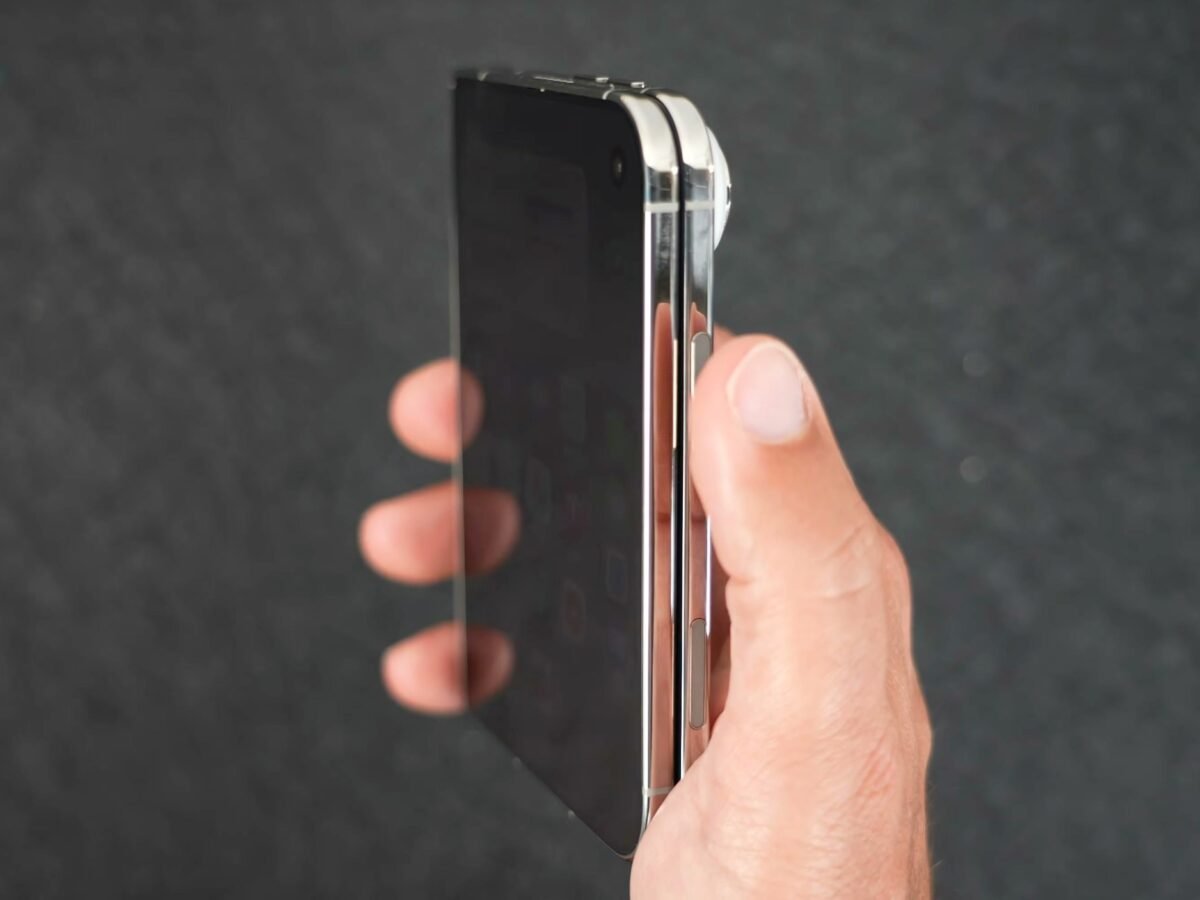
iPhone Duo uses a Touch ID sensor built into the side button for authentication. Some may feel this is a step backwards after almost a decade of Face ID on iPhones, but if you wear an Apple Watch, you can use it to unlock your iPhone Duo instead. This way, you don’t need to touch the side button at all. It’s the closest thing we have to a seamless Face ID experience on iPhone Duo ( at least for now ). The feature is called Unlock with Apple Watch. It’s not new to iPhone, but it works reliably. Note that your Apple Watch needs to be a Series 9 or later, an Ultra 2 or later, or an SE 3. Here’s how to turn on the feature and start using it. Turn On Unlock With Apple Watch
Open the Settings app on your iPhone Duo. Tap Touch ID & Passcode , then enter your passcode. Scroll down to "Unlock with Nearby Devices." Toggle on the switch next to your Apple Watch…